Do AI-generated transitions make your brand video harder to understand?
Review what each transition communicates, whether the change serves a purpose, and whether viewers can follow the product and brand. Compare a simpler edit using the same footage.
Published: 2026-11-23
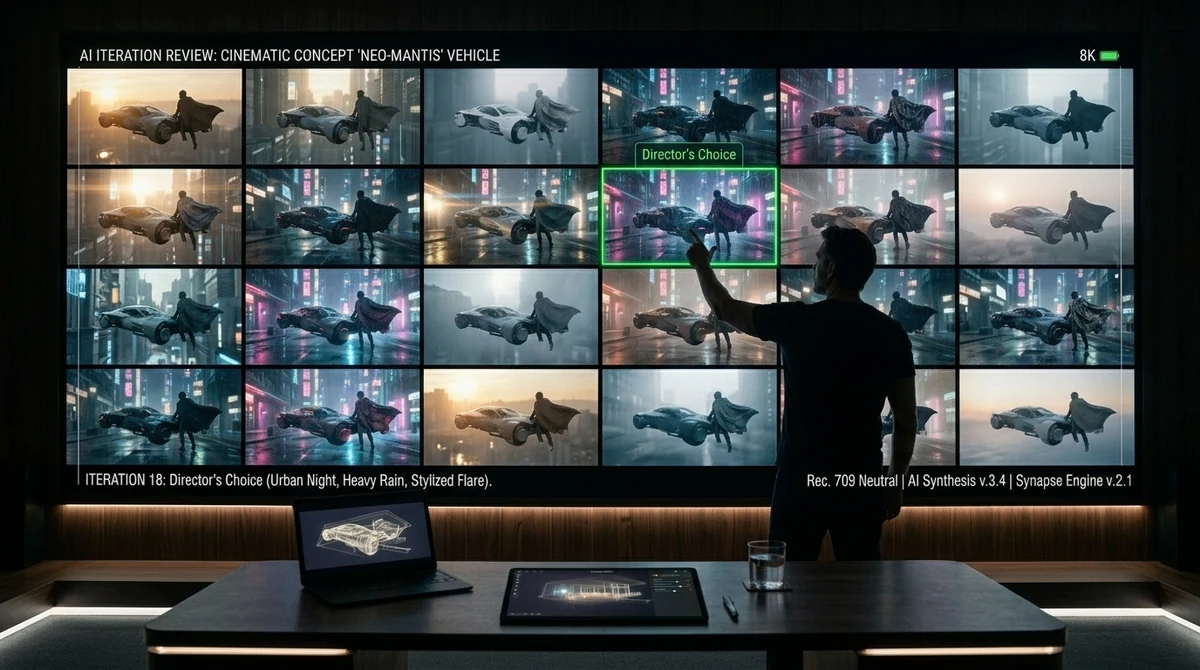
You cannot decide whether a video has too many AI-generated or composited transitions simply by counting them. A complex transition can be useful if it helps viewers follow a change in time, place, cause and effect, or product state. If viewers remember the visual changes but cannot explain how the product, brand and shots relate to one another, remove decorative transitions or add clearer information.
Identify the purpose of each transition
Pause before and after each transition. Note what the first shot tells the viewer, what the next one adds, and what the visual change represents. It might show time passing, a change of location, or a move from the outside of a product to its details. It might simply create a visual surprise. If its connection to the story or product is unclear, make an alternative using a straight cut or a simpler transition and compare the two.
A video can contain several transitions, but repeated visual changes should not fragment a single fact. If the viewer is just starting to understand a product state when the space, scale and apparent material all change, it may become difficult to tell what actually happened. The question is not whether transitions stay below an arbitrary number, but whether each change makes the information easier to follow.
Distinguish visual associations from factual claims
Consider this hypothetical tea advertisement exercise. It does not describe a Kanon Film client or a real product: the image changes from tea leaves to packaging, then to a drink in a cup. These transformations can create visual associations. However, if viewers might interpret them as showing the actual origin, harvesting or production process, check whether the script and captions present an association as a fact. Unapproved transition imagery cannot replace product documentation or a record of the real process.
The product shape, packaging text and brand marks before and after the transition also need to remain within the agreed review requirements. If a transformation makes the product version unclear, or briefly distorts the logo beyond recognition, mark the relevant shot and timecode. Decide whether to adjust the image, shorten the transformation or use a more dependable transition.
Compare a simpler edit made from the same shots
Select two or three of the most complex or easily misunderstood transitions. Keep the shot content and duration the same, and export both the original and a simpler version. Ask a few people who were not involved in the production to watch individually, without explaining the idea first. Then ask: What product or brand did you see? Why were those shots connected? Which part was hardest to understand? This small review can reveal possible ambiguities; it cannot represent every viewer or prove campaign performance.
If viewers can explain both the visual change and the product information, the complex treatment may be worth keeping. If they describe only the effect, or offer conflicting explanations of the connection, check whether an action, caption, sound cue or brand reference is missing. Change one element and review again. Changing the music, editing pace and copy at the same time makes it harder to identify which adjustment improved understanding.
Keep the brand identifiable and allow time to read the image
- List the product's defining features, approved packaging and brand marks as visual details that must be checked.
- Record the information change represented by each transition. Do not edit different functions or operating conditions into what appears to be one continuous action.
- After a complex transformation, allow a sufficiently stable shot for viewers to understand the new information before introducing another change.
- Write revision notes with the shot number, timecode, possible misunderstanding and requested change. For example: “After the transition in shot six, the product name is not visible for long enough. Please extend the stable shot.”
AI generation, live-action footage, three-dimensional animation and compositing offer different ways to create visual changes. Review them against the same question: does the change help someone understand the video, or does it merely display a production technique? If removing a transition makes the story clearer, there is no reason to retain it just to demonstrate technology. If it carries useful information, confirm the cues on either side, the product facts and the final delivery version together.
For projects combining AI and live action, see connecting AI-generated and live-action advertising footage for checks on lighting, movement and space. For reviewing technical samples against final content, see the video editing and sound review guide. You can also explore our AI video production to discuss shot planning and production methods.
WeChat: 18121248012 · q1210865781@gmail.com